Creating your event
Five steps to get it all going.
You pick the occasion, we adapt the theme and the mood. Five minutes later, your link is ready to share.
The creation journey
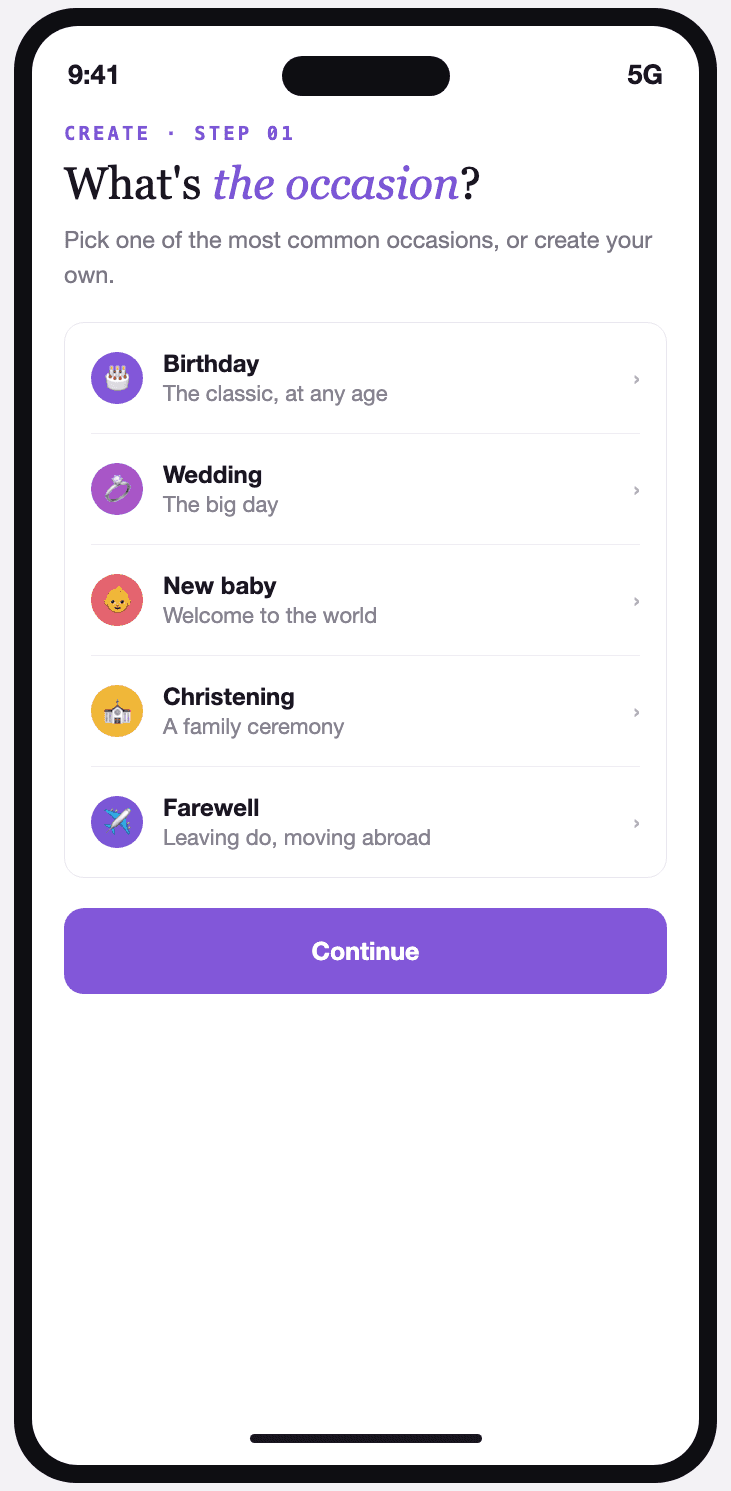
Step 01
Choose the occasion
Birthday, wedding, new baby, christening, farewell, graduation… or an occasion of your own. This choice is what shapes the theme suggestions.
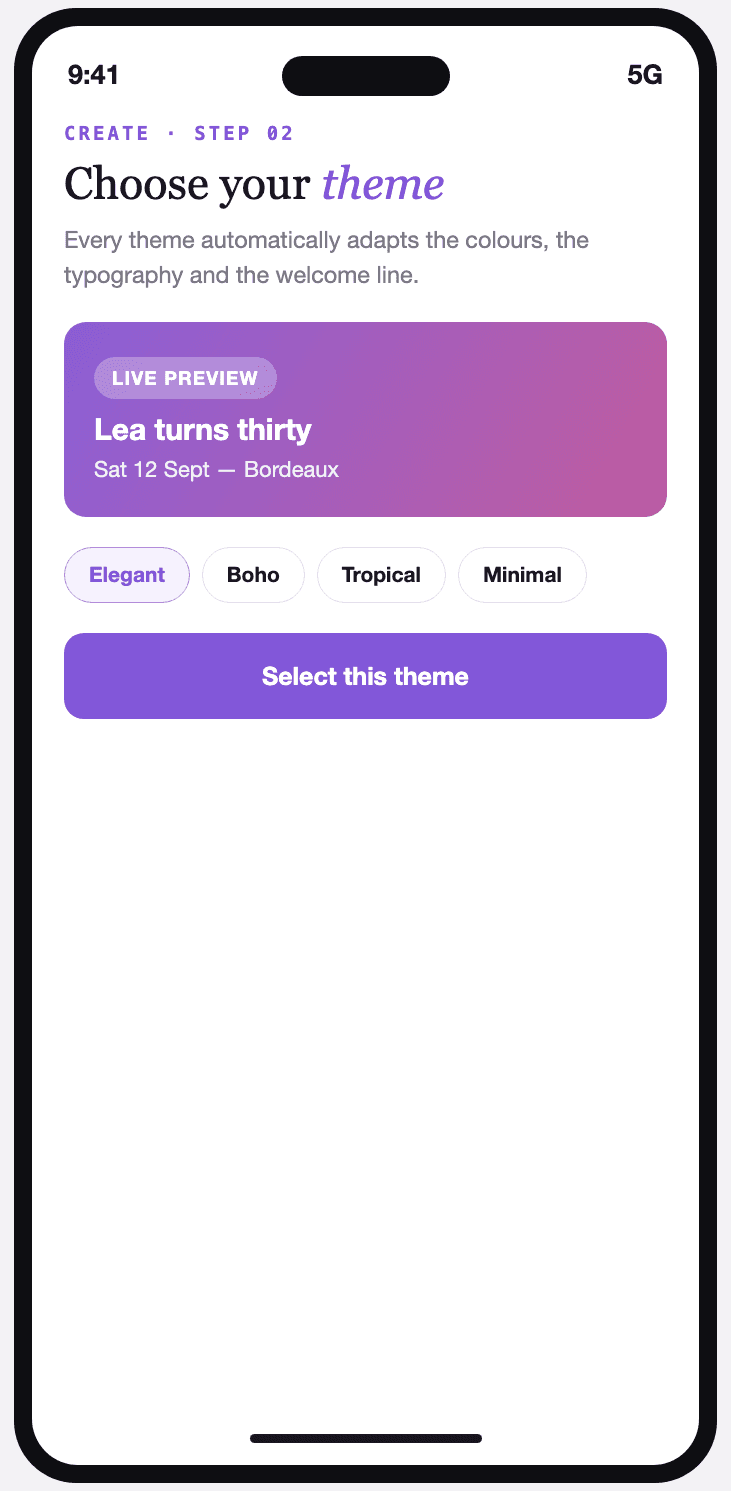
Step 02
Choose the theme
A theme library built around each type of event. Every theme automatically changes the colours, the typography and the welcome line on the invitation card.
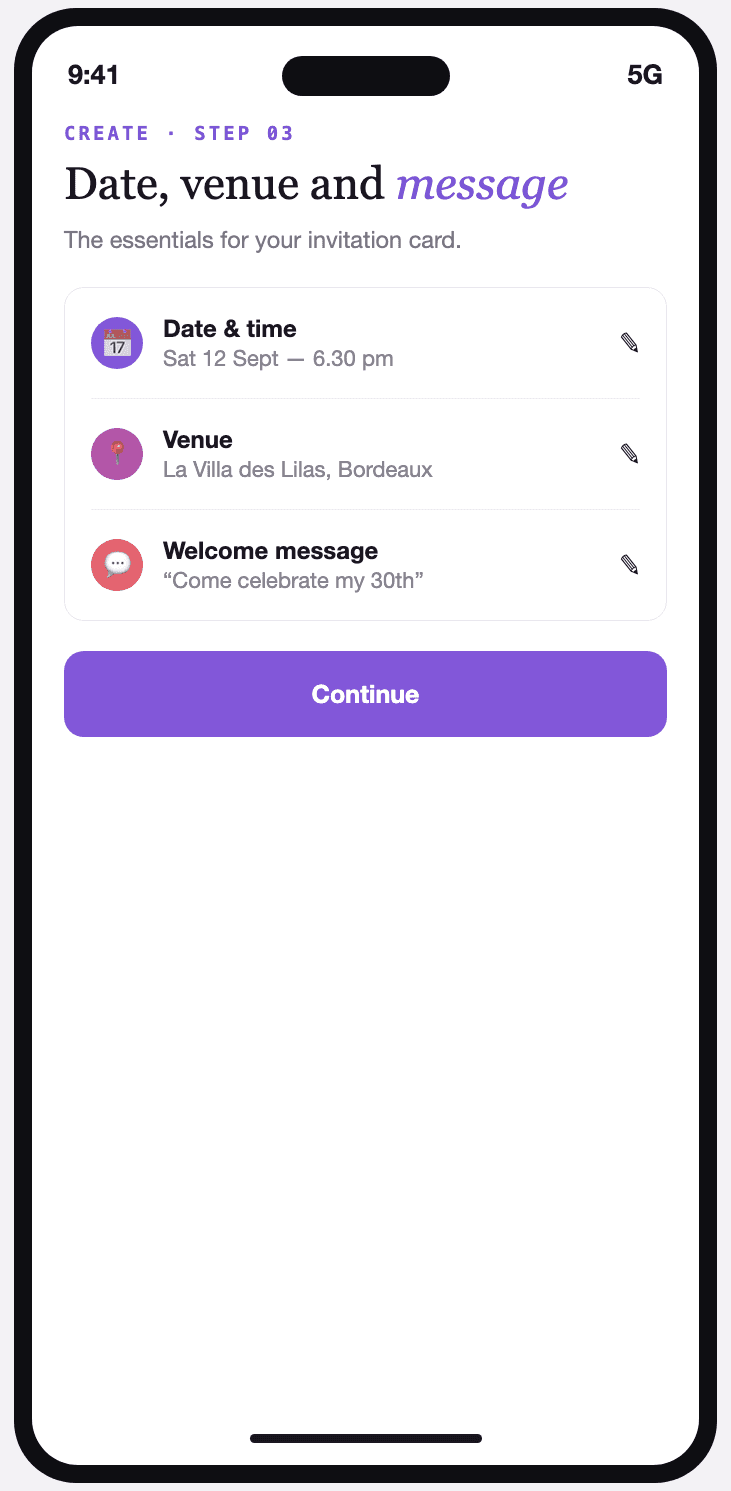
Step 03
Add the date, the venue and your message
The essentials of your invitation card: date and time, venue, and a personal welcome line for your guests.
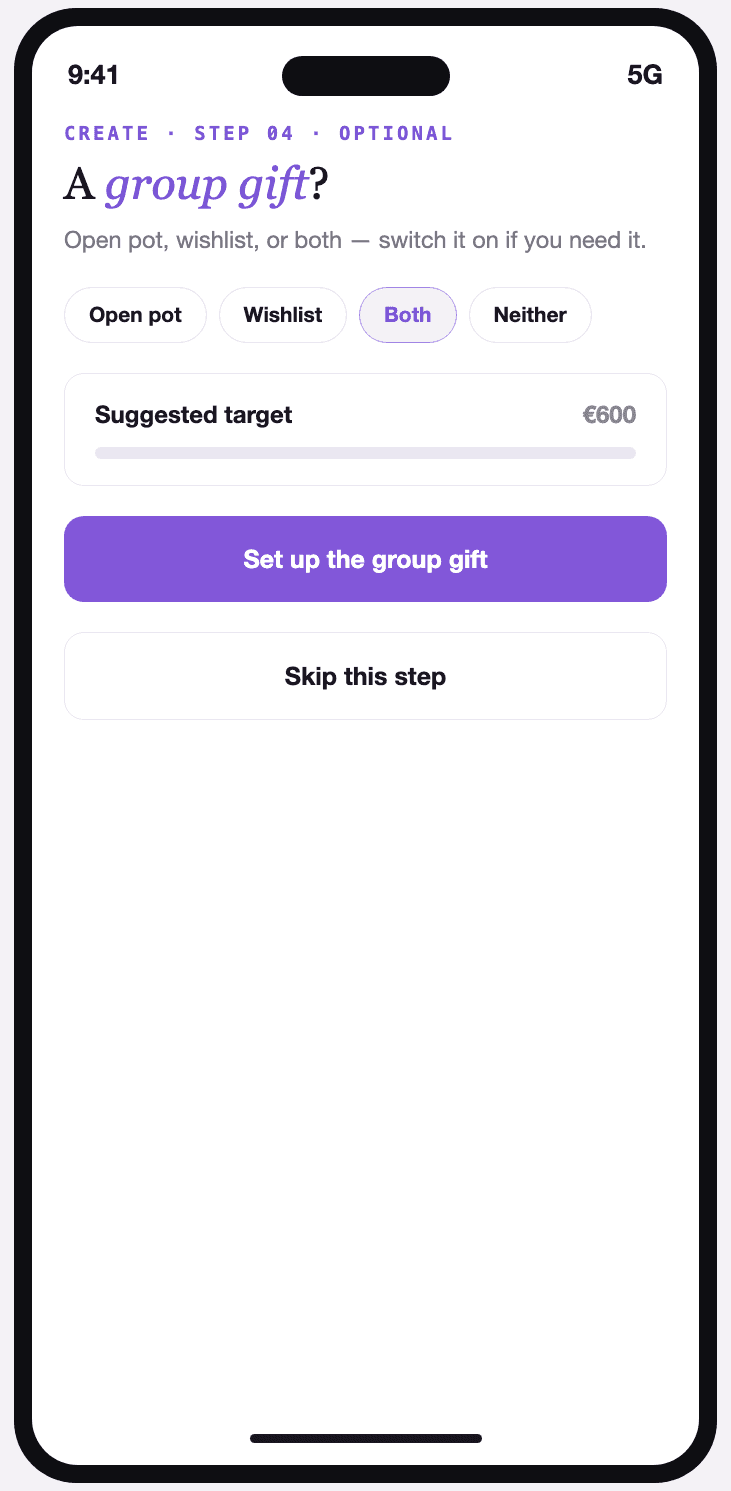
Step 04
Set up the group gift
Optional. An open pot, a wishlist, or both at once — you can switch it on at any point, even after the event is created.
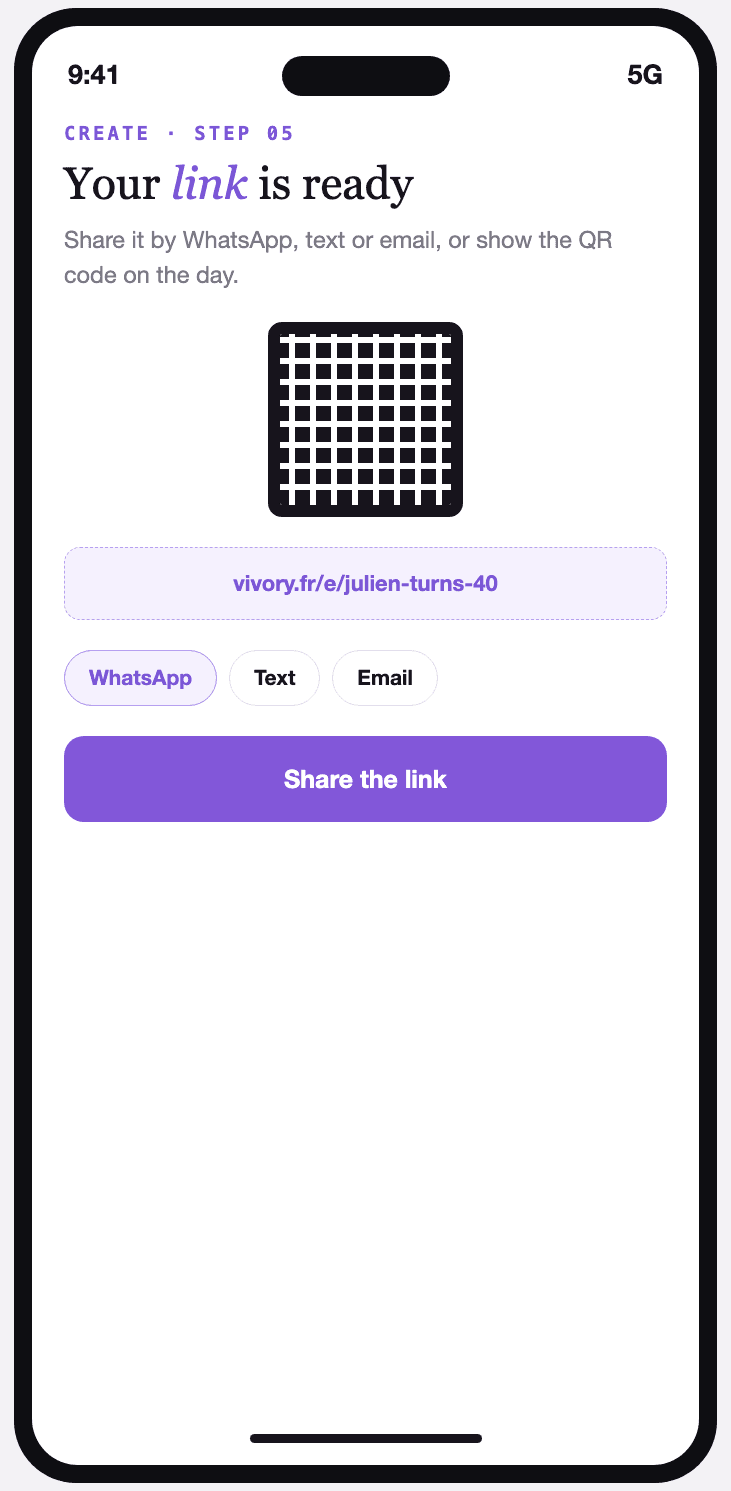
Step 05
Get your link and QR code
One link to share by WhatsApp, text or email, and a QR code ready to print for the big day.