The moment that matters.
Every memory shared by the people close to you becomes a film. You personalise it, you reveal it, and it stays available forever.
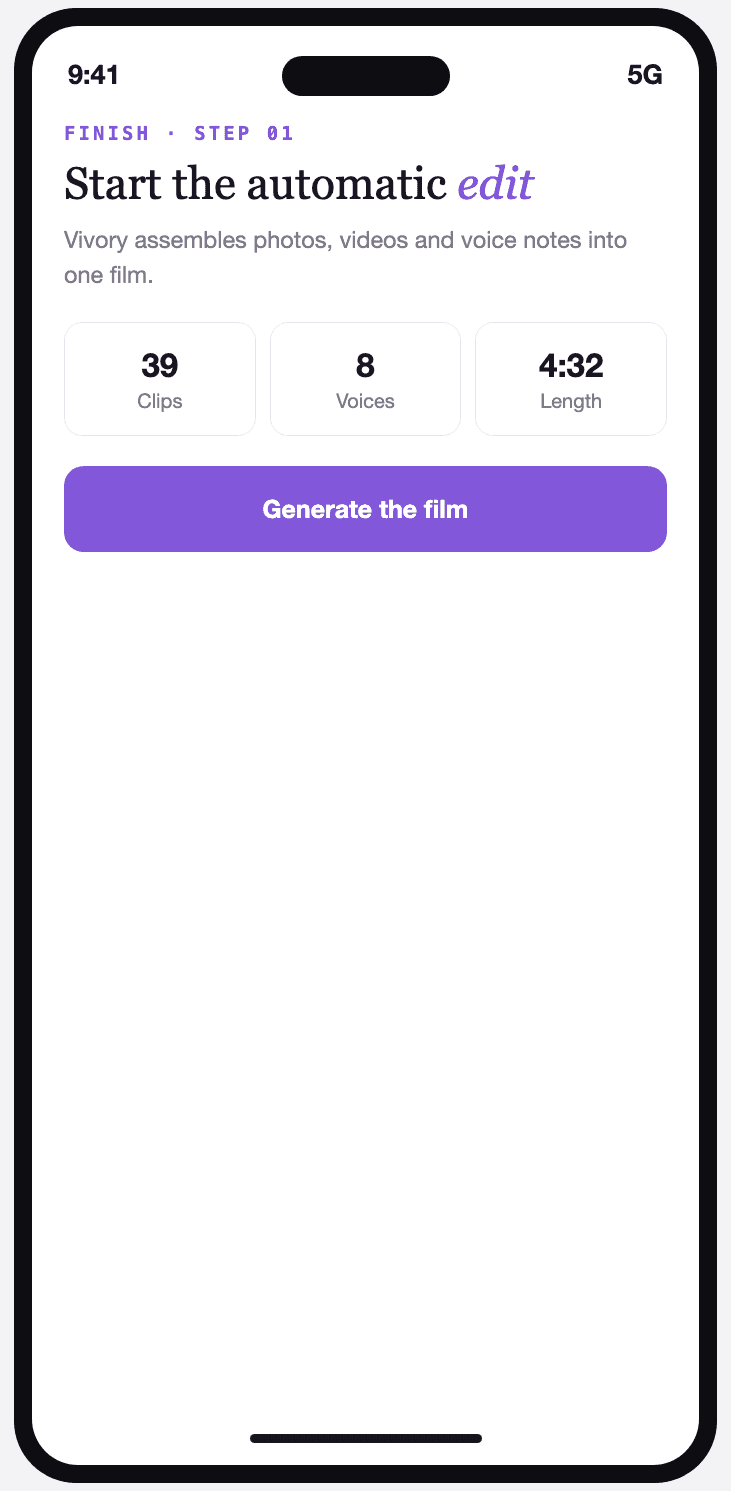
Start the automatic edit
Vivory assembles the photos, videos and voice notes into a coherent film, with nothing for you to adjust.
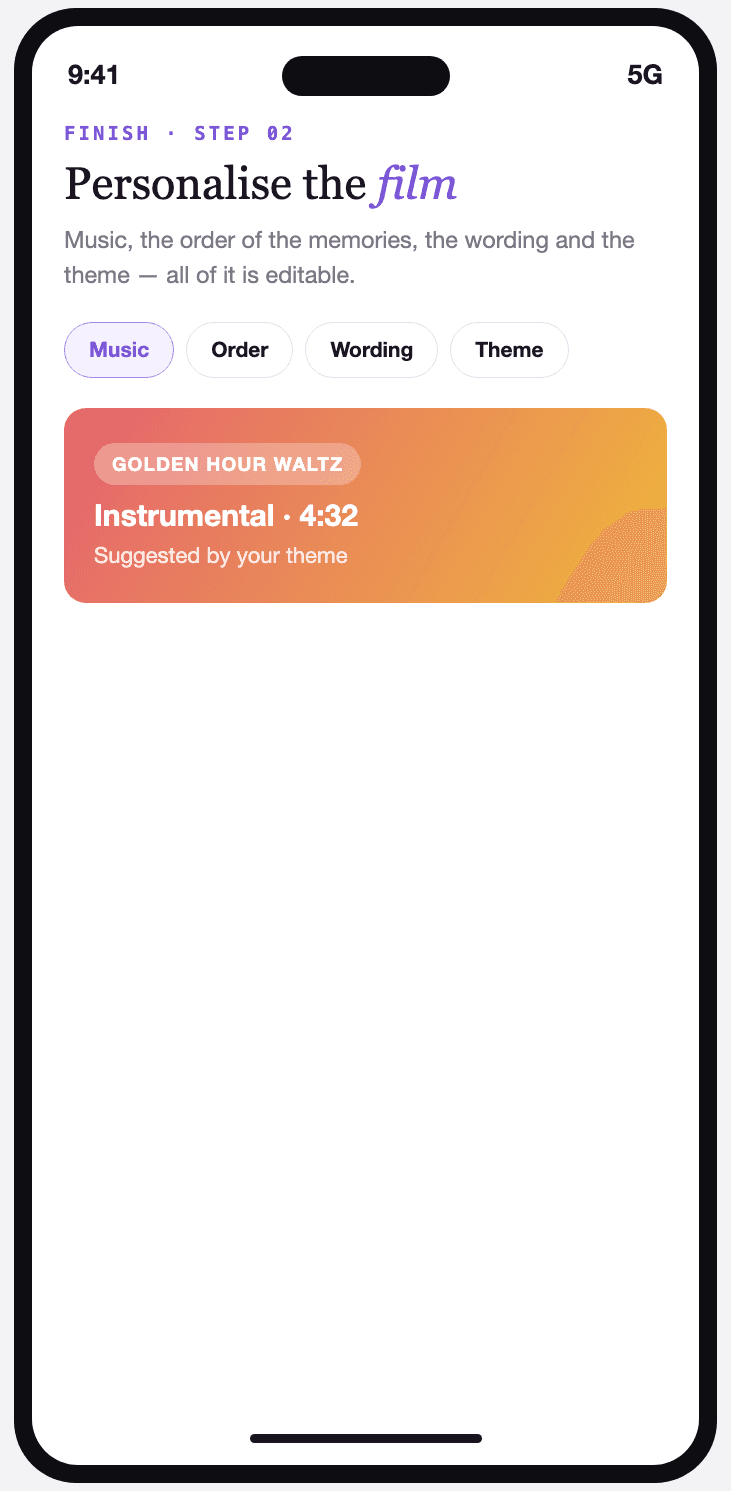
Personalise the film
Music, the order of the memories, the wording and the theme: everything stays editable after the automatic edit.
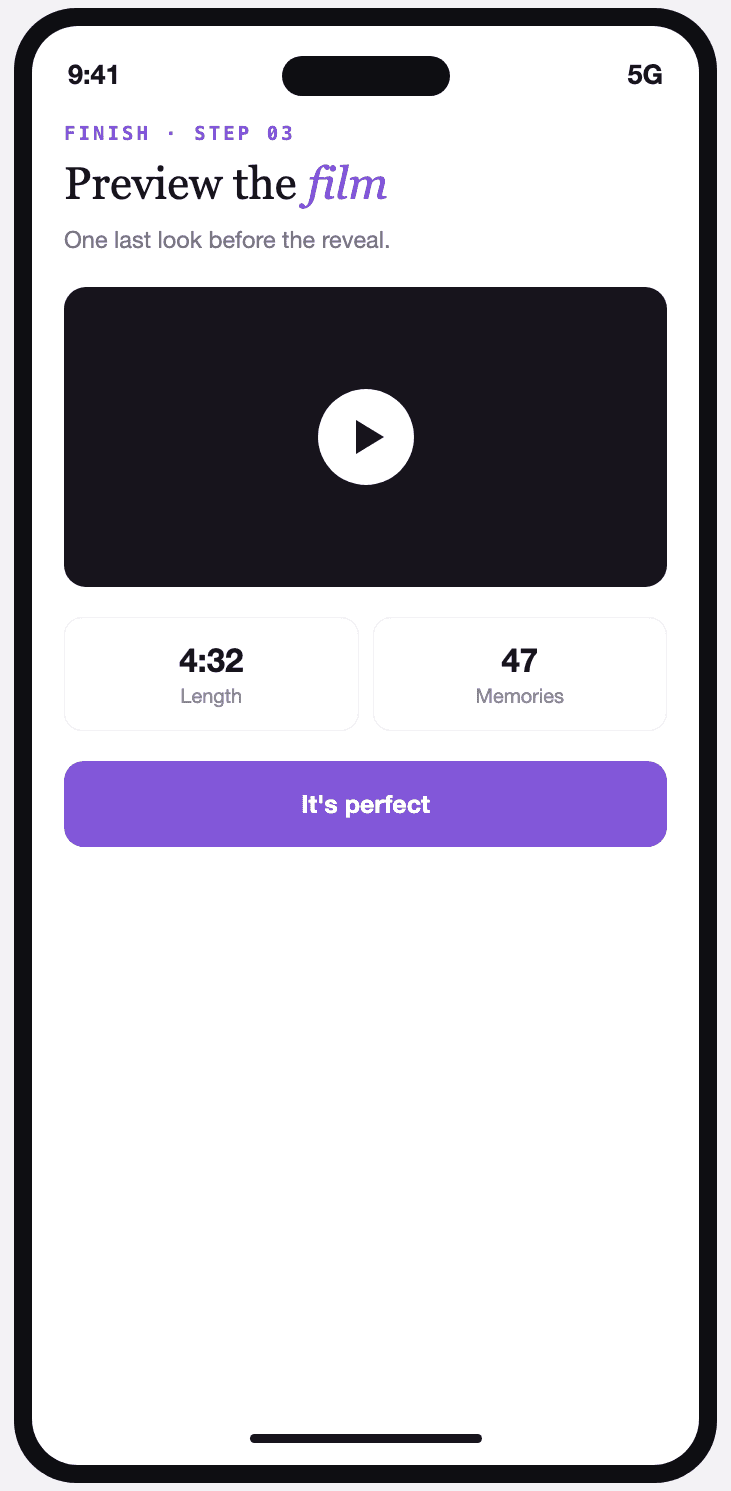
Preview the film
One last viewing before the reveal, with the total running time and the number of memories included.
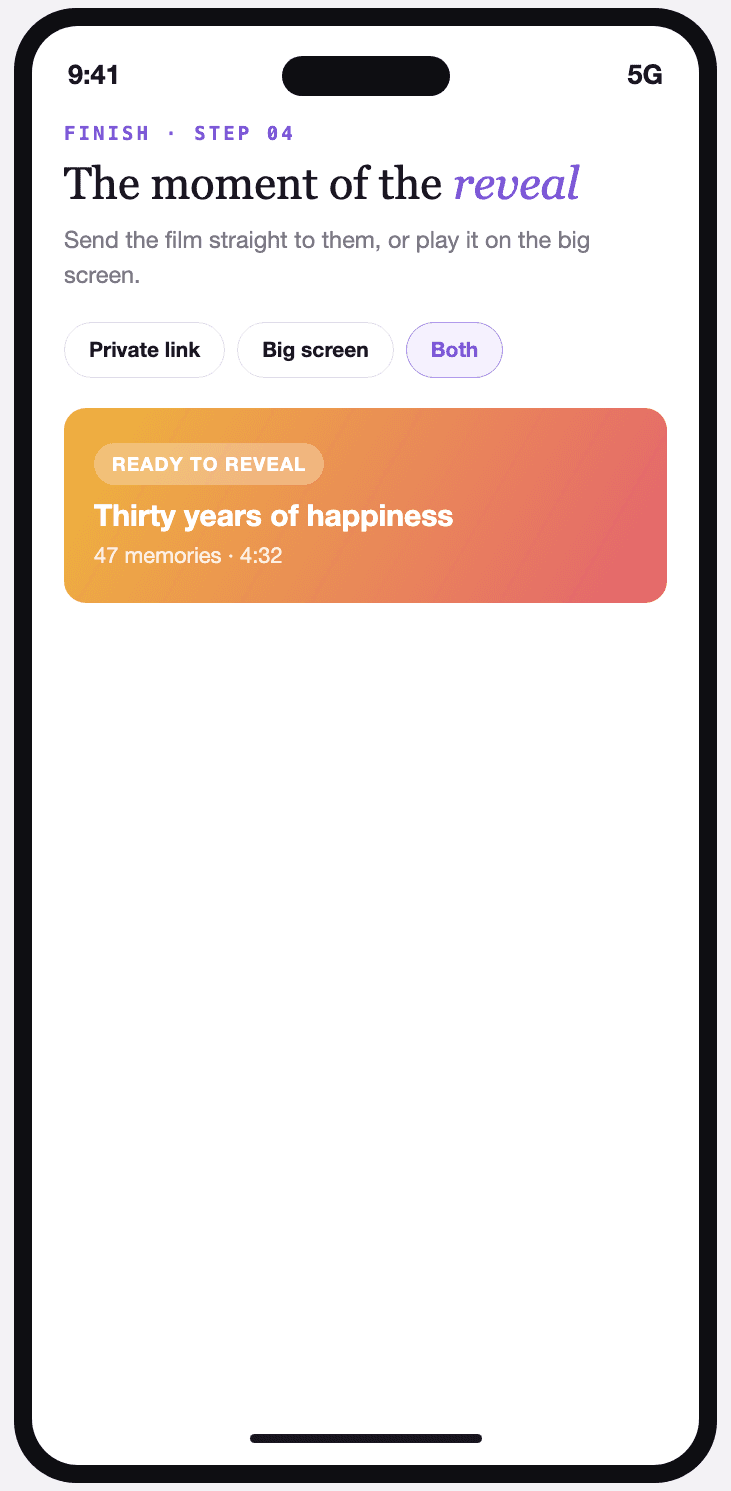
The reveal
Send the film straight to them by private link, or play it on the big screen in front of everyone.
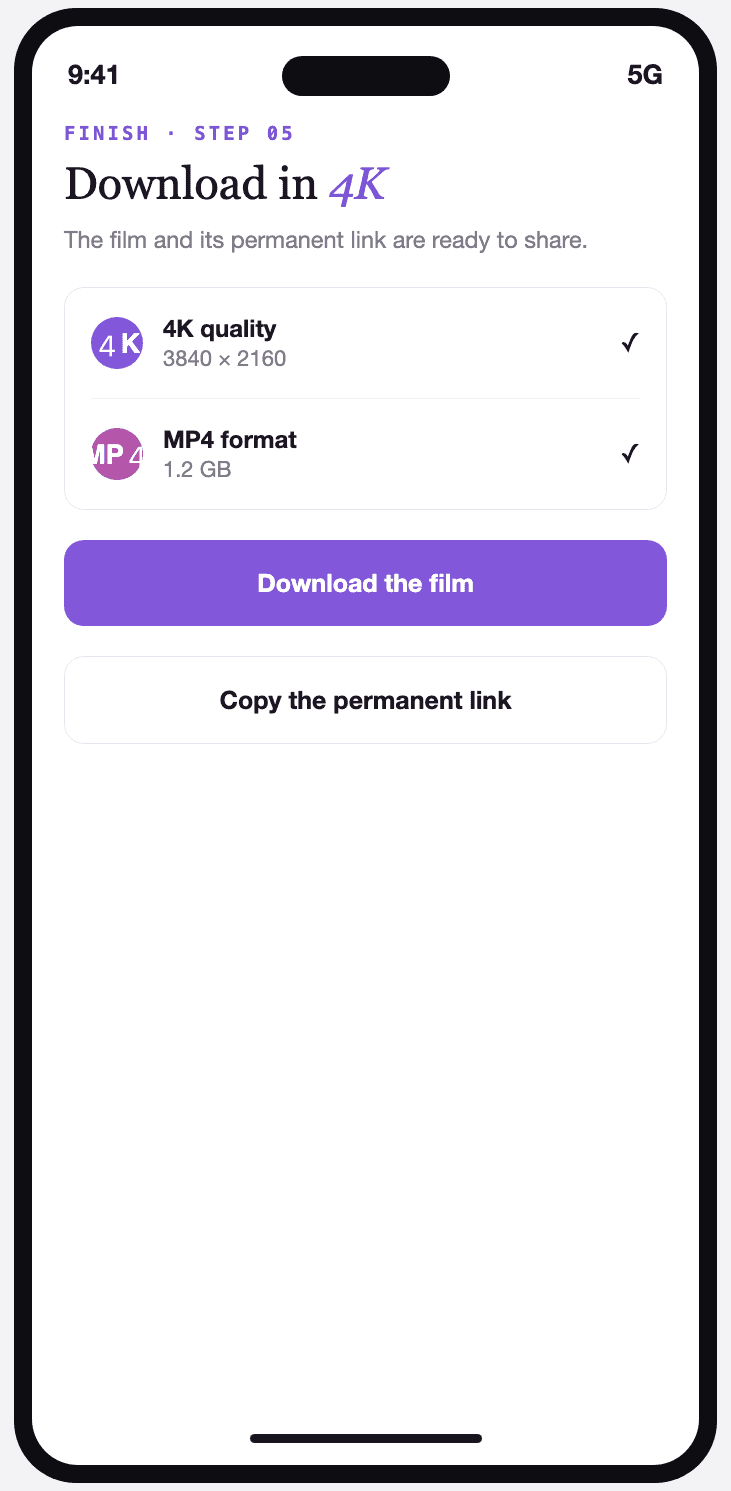
Download in 4K
The full film in high definition, ready to download, with a permanent link to share.
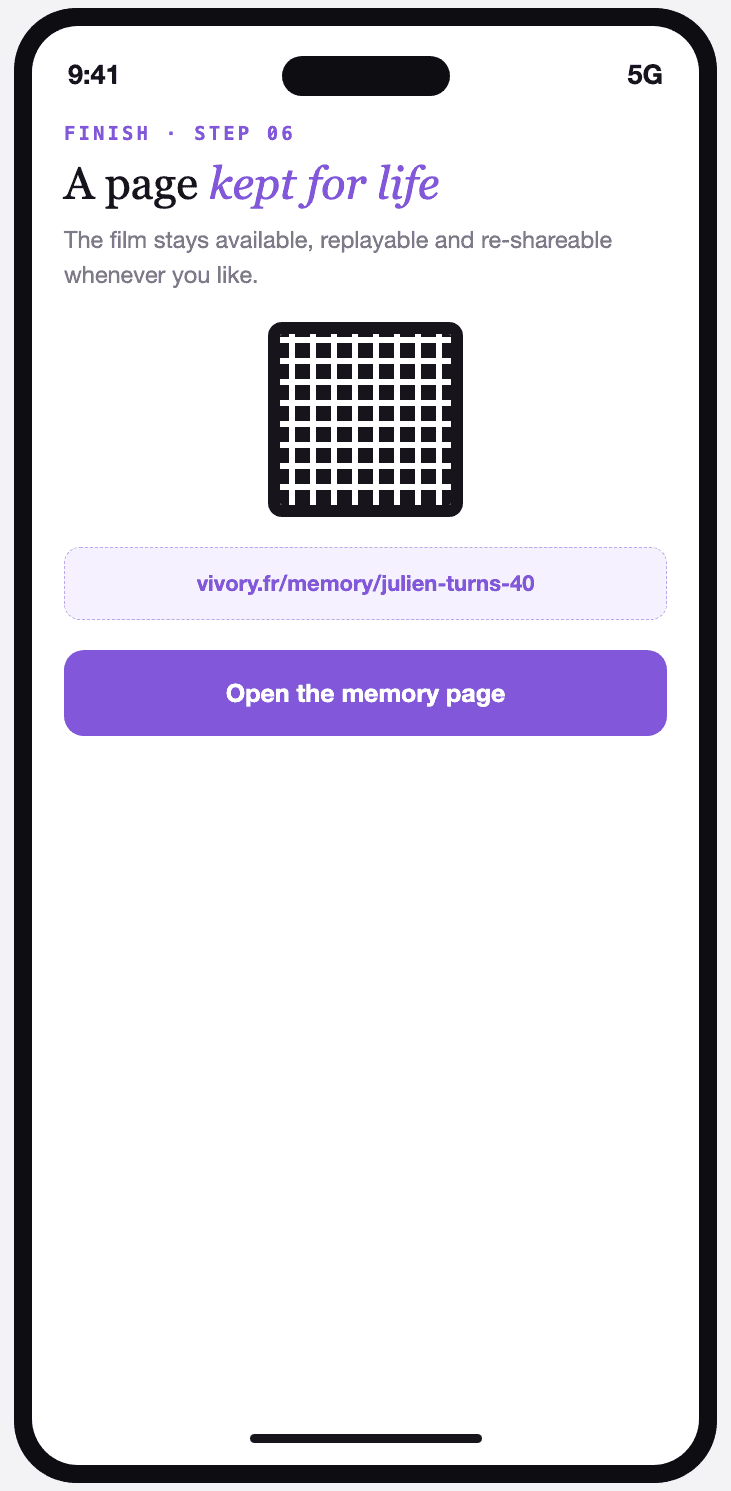
A memory page for life
The film stays online, replayable and re-shareable at any time — with no time limit.
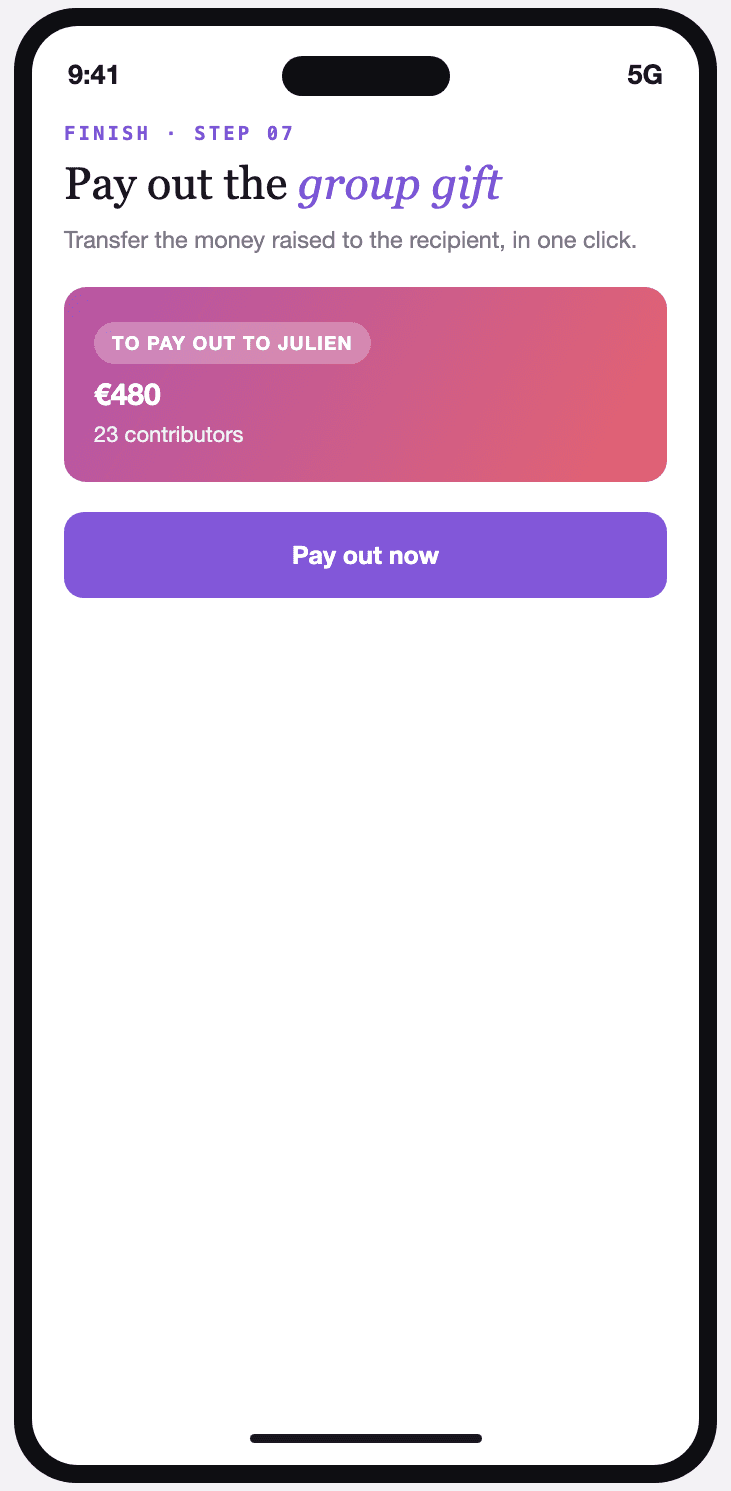
Pay out the group gift
If a group gift was switched on, the money raised transfers to the recipient in one click.