Everything happens live.
Once the event is live, you follow the replies, the contributions and the group gift as they come in — with nothing to collate yourself.
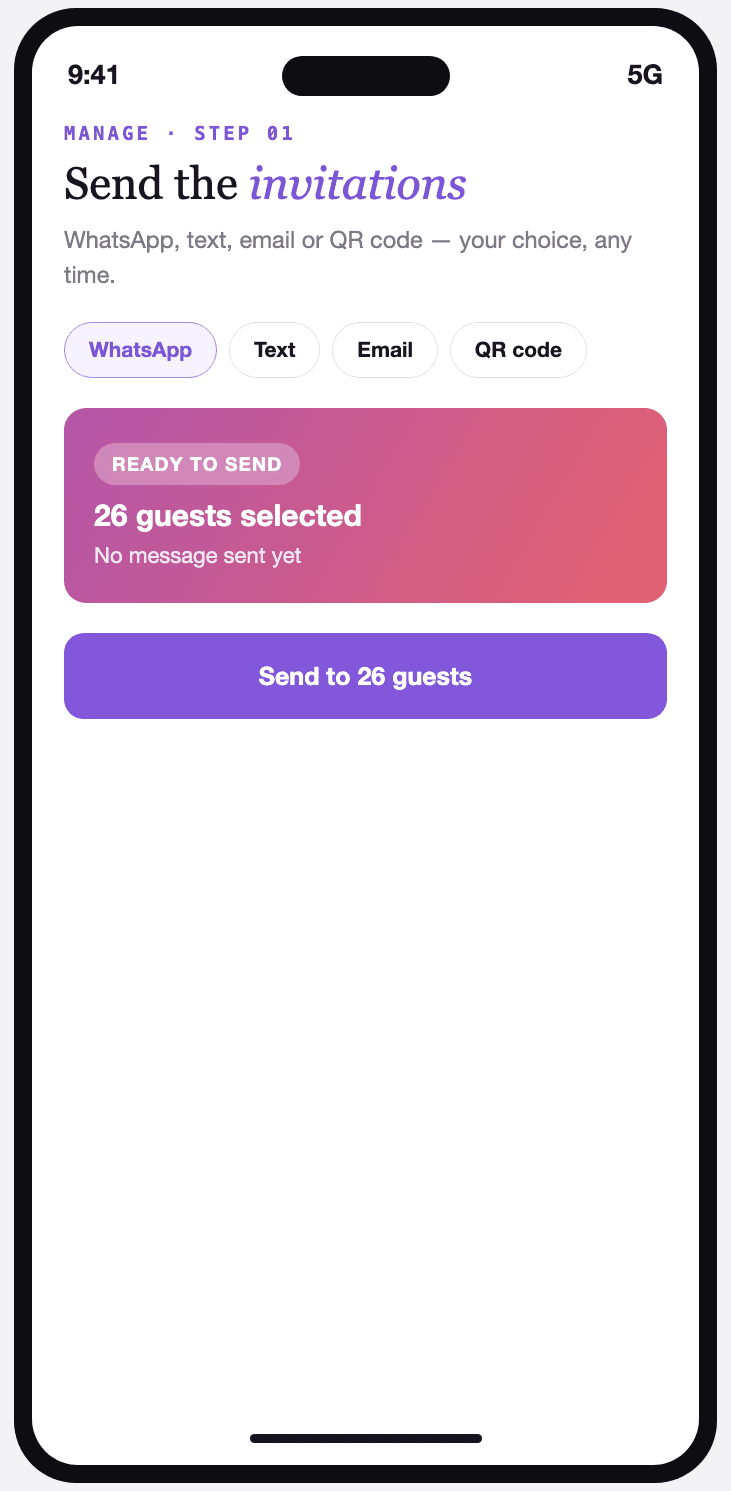
Send the invitations
WhatsApp, text, email or QR code: you pick the channel, your guests get the same link.
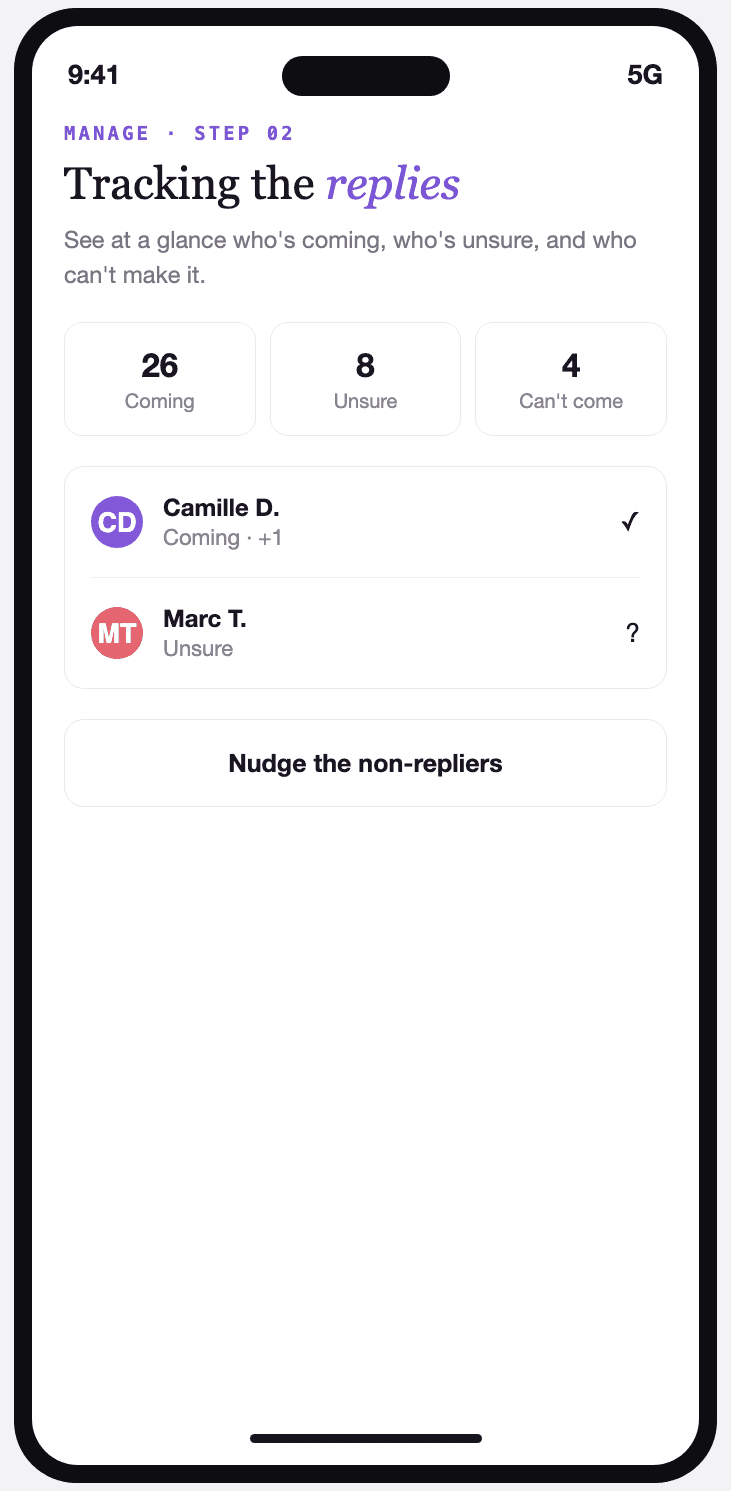
Follow the replies
Coming, not coming, still deciding: the attendance rate updates live with every reply.
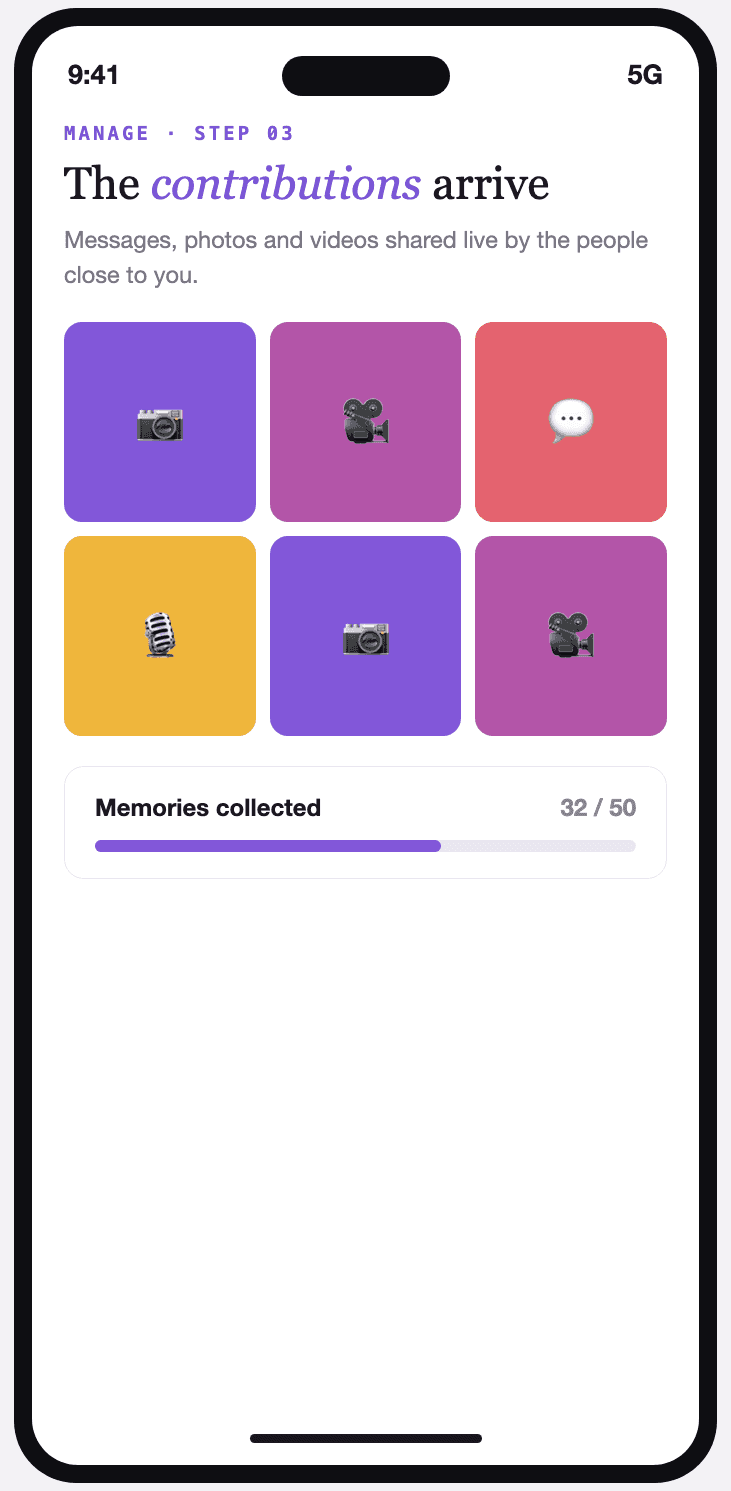
Watch the contributions arrive
Messages, photos and videos from the people close to you appear as they come, even before the big day.
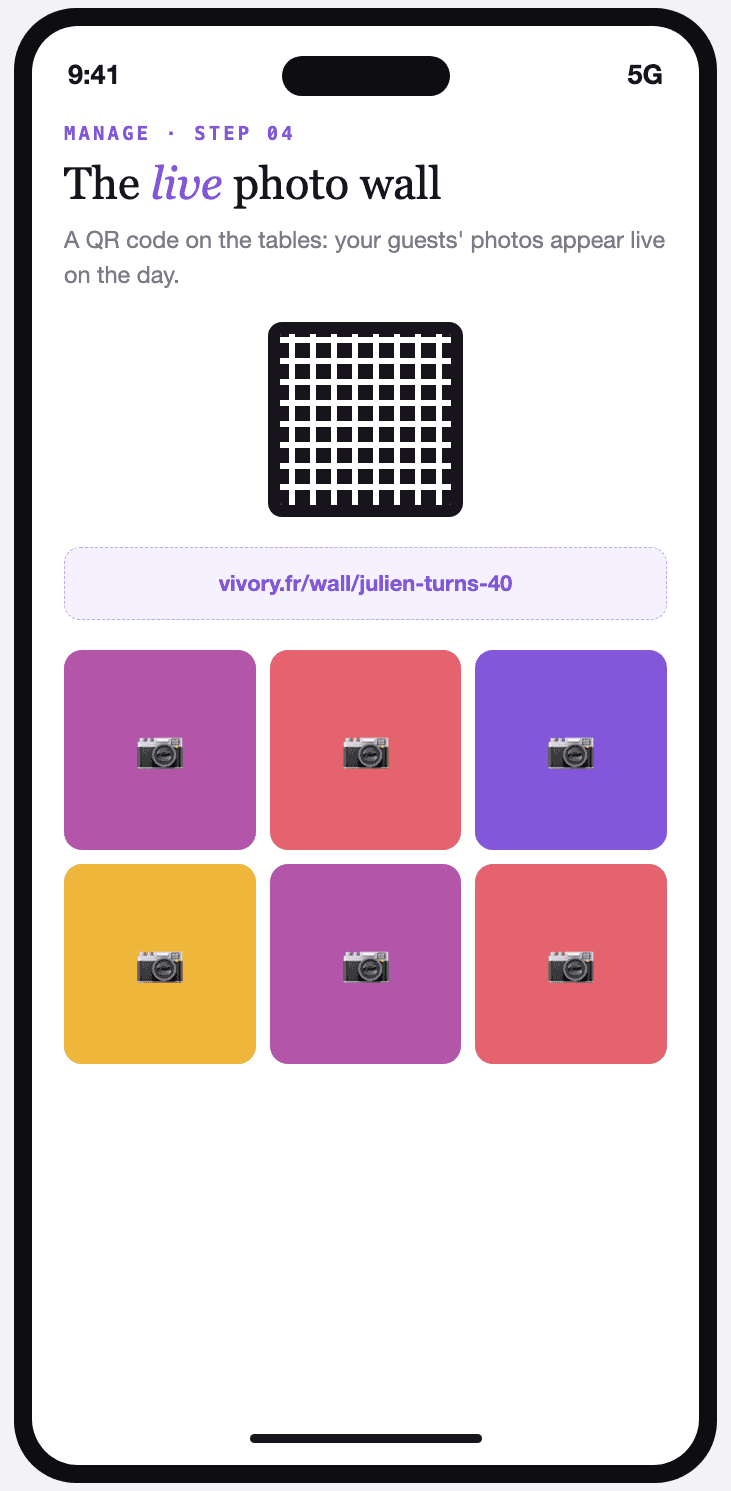
The live photo wall
A QR code on the tables: photos taken by your guests join the wall in real time on the day.
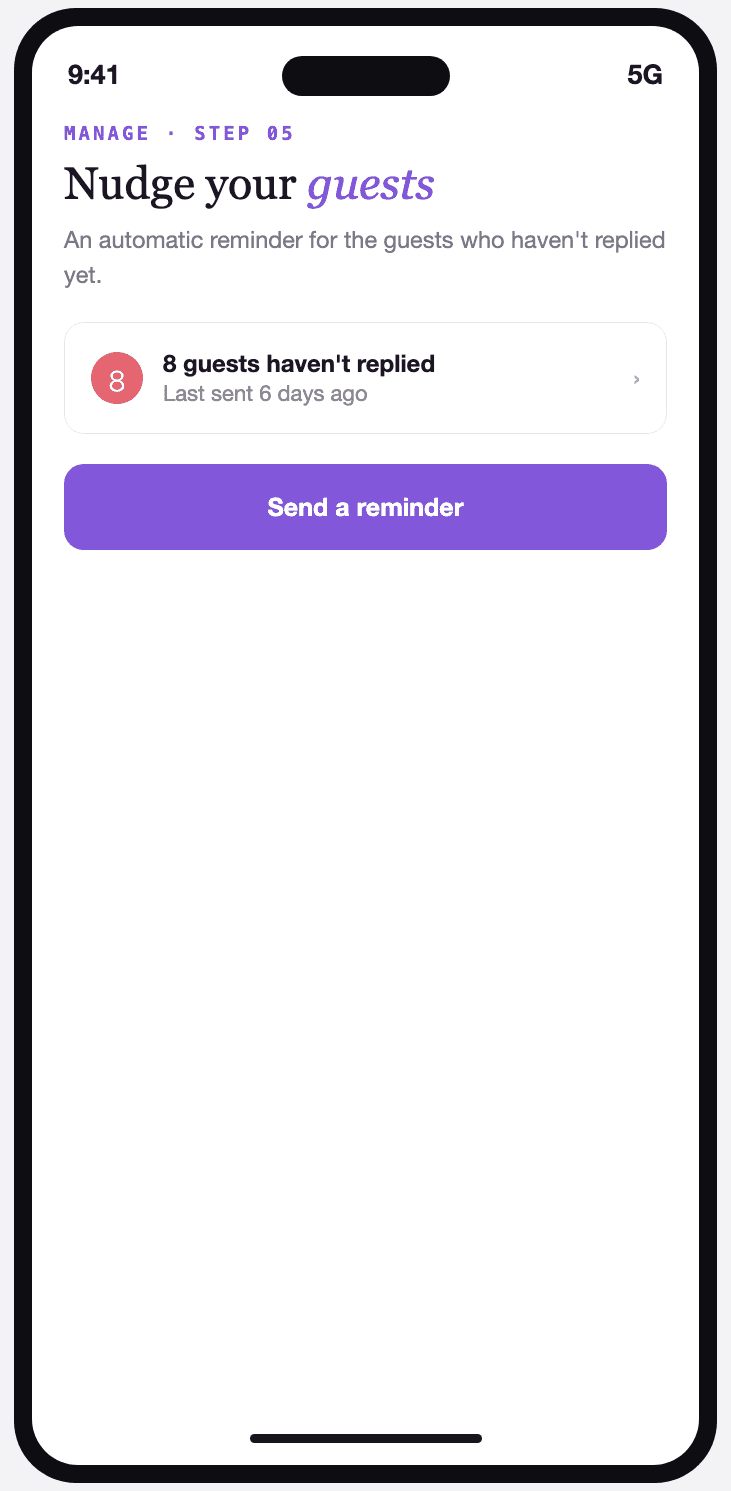
Nudge your guests
An automatic reminder for guests who haven't replied yet, so you don't have to chase them one by one.
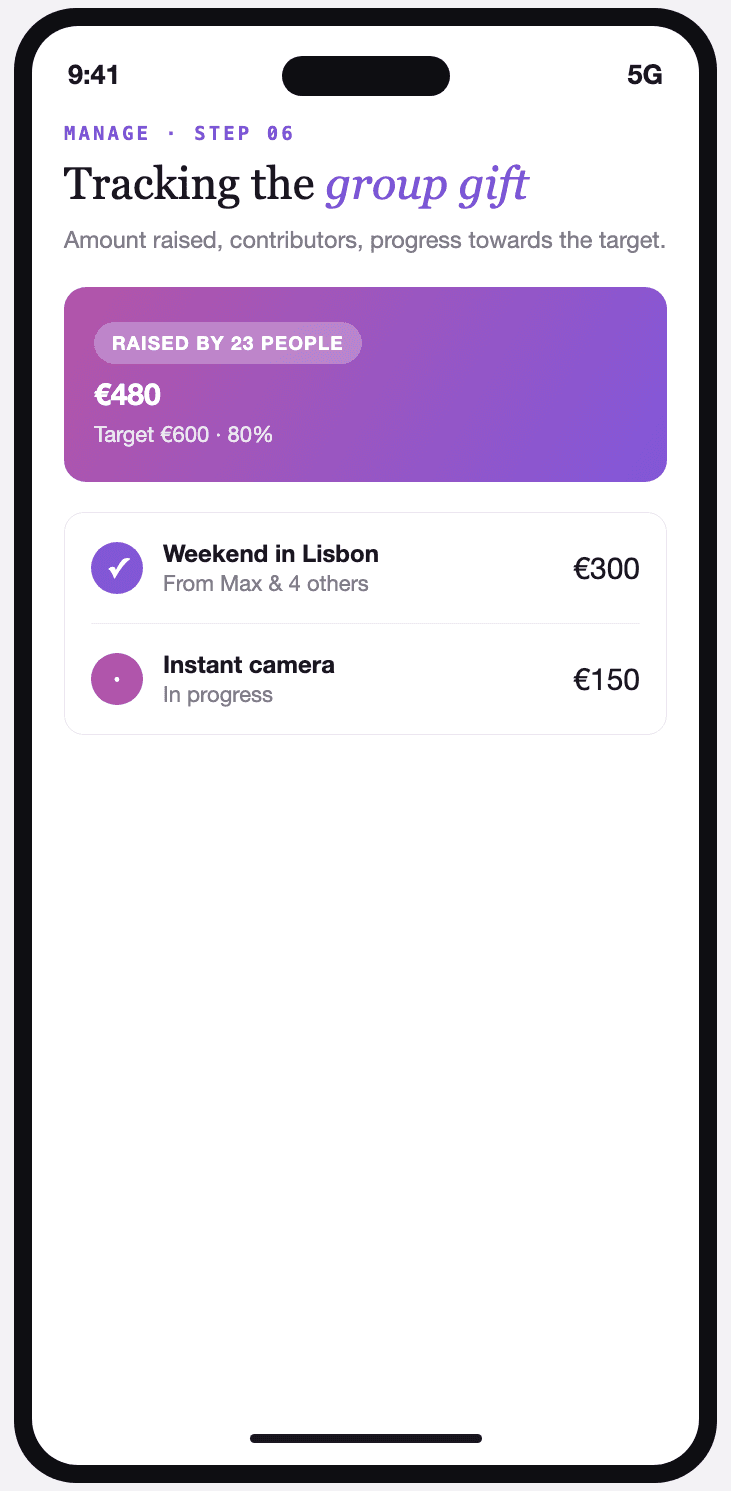
Follow the group gift
Amount raised, number of contributors, progress towards the target or towards each wish on the list.
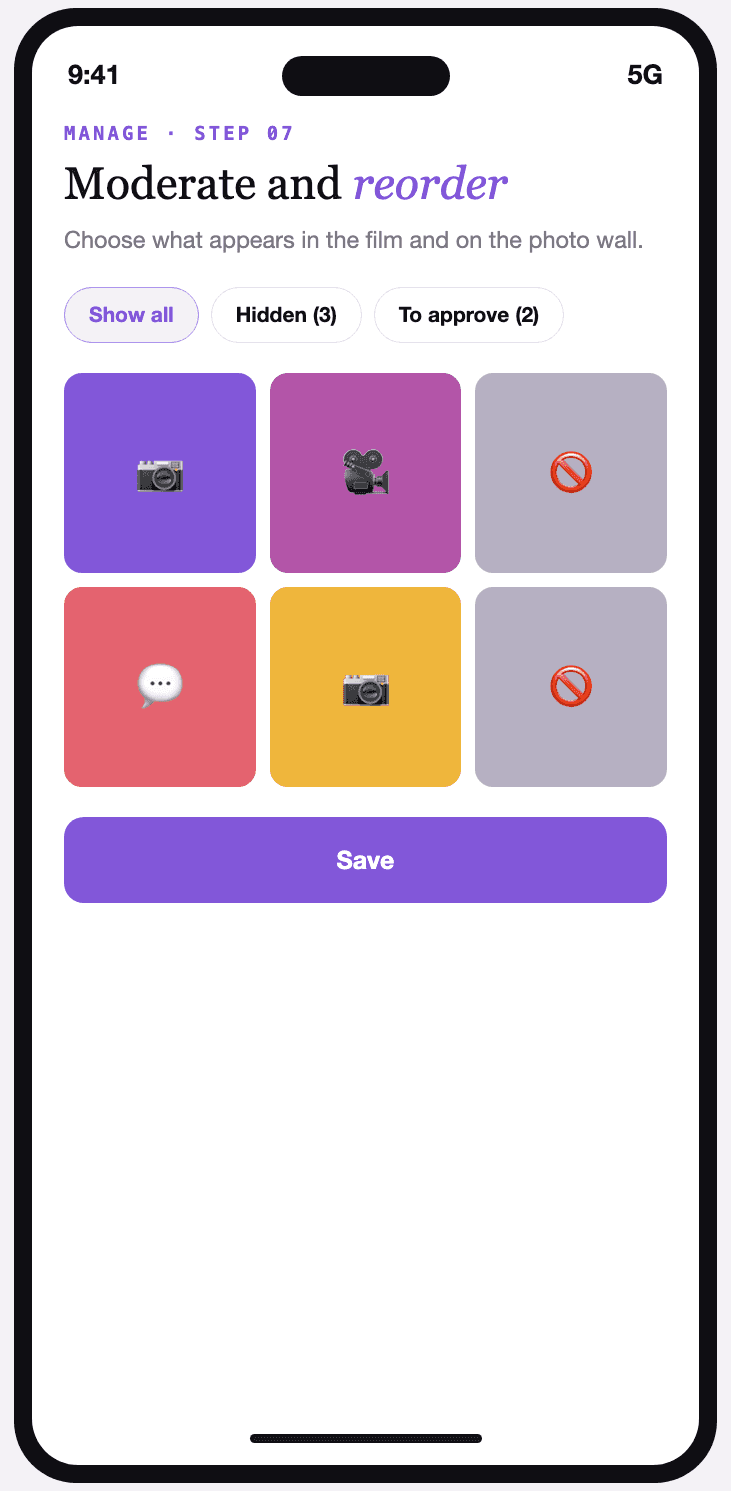
Moderate and reorder
You choose what appears in the memory film and on the photo wall, and reorder everything that's been shared.